



Changing the volume - or silencing your safe altogether - is a quick and easy process that can be accomplished by following these steps:
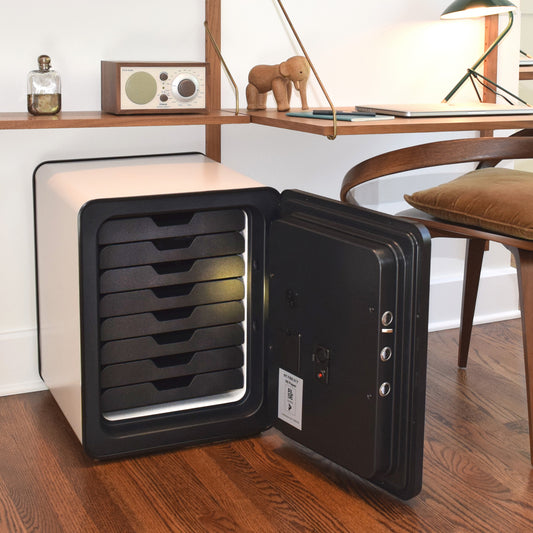
- Locate the SBW buttons on the back of the door of your Cocono Fire Safe.
- Press the S button for 3 seconds to enter the setting menu. The screen will display SEt.

- Press the S button 2 times to access the volume settings. The screen will display VoL.
- Press the number on the keypad to select the volume level. Pressing 0 will turn the volume off.
- Press START to confirm your selection.
That's it! Instructions to change the volume can also be found in the manual that comes with your safe.